
HT DeskBox
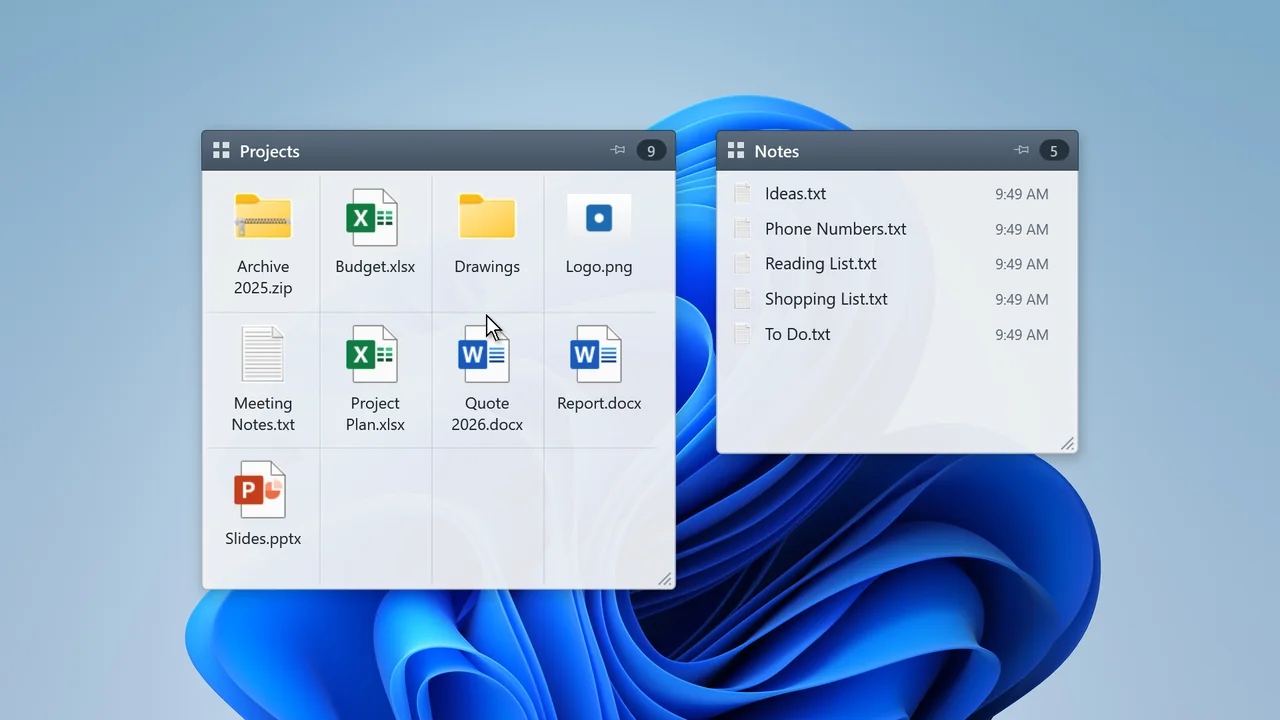
Gather the files on your desktop into tidy boxes. A box opens when you hover over or click its title; drag and drop files to add or remove them. Turn everything off with one key and your files go back to the desktop.
Works offline, collects no data · 50 interface languages · Windows 10 and 11
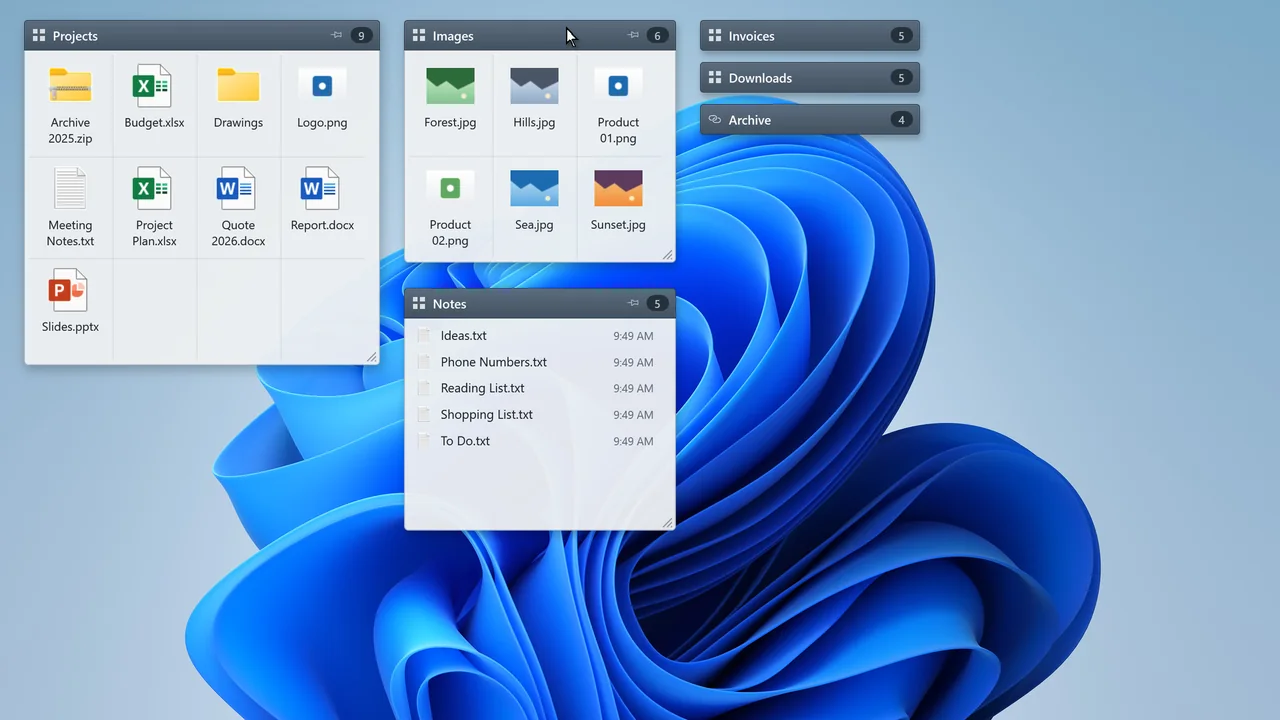
A cluttered desktop, tidy in seconds
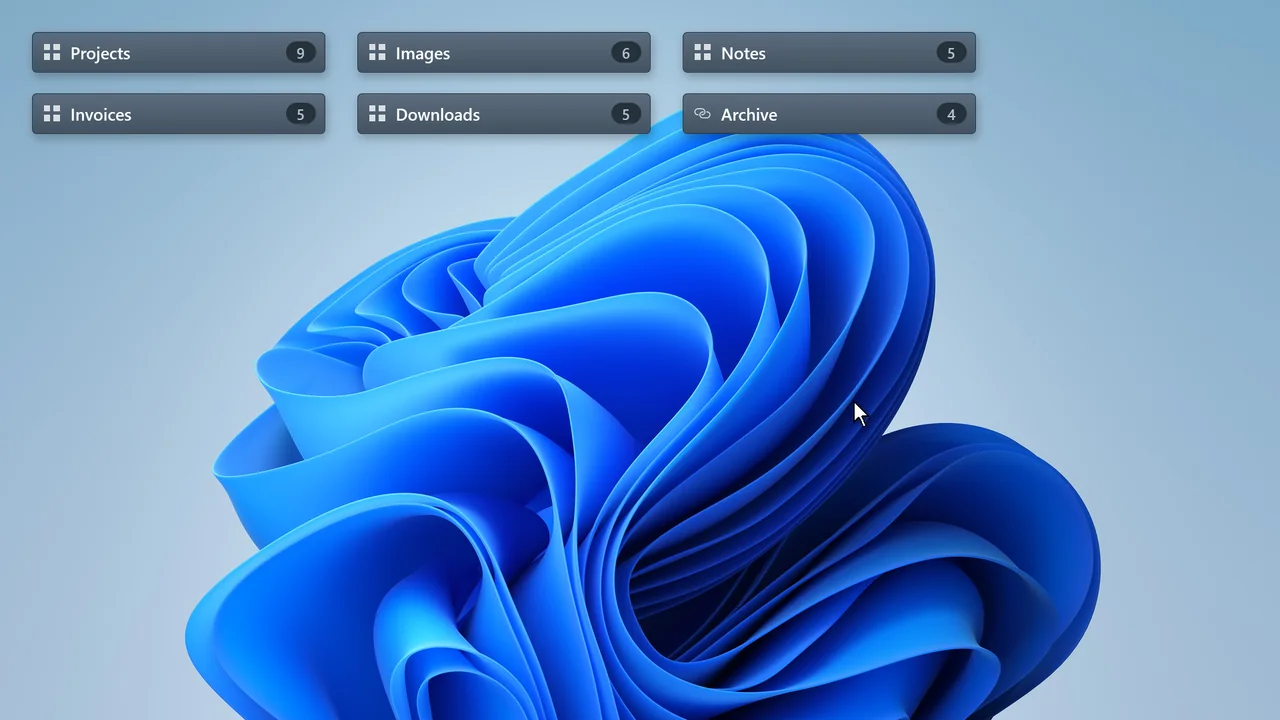
While closed, a box shows only a slim title bar; hover over it and its contents open. Files stay in a real folder — nothing is duplicated.
Boxes
- Gather desktop files into titled, semi-transparent boxes.
- Opens when you hover over or click the title, closes when you click elsewhere.
- Add, remove and move files between boxes with drag and drop.
Grid and list
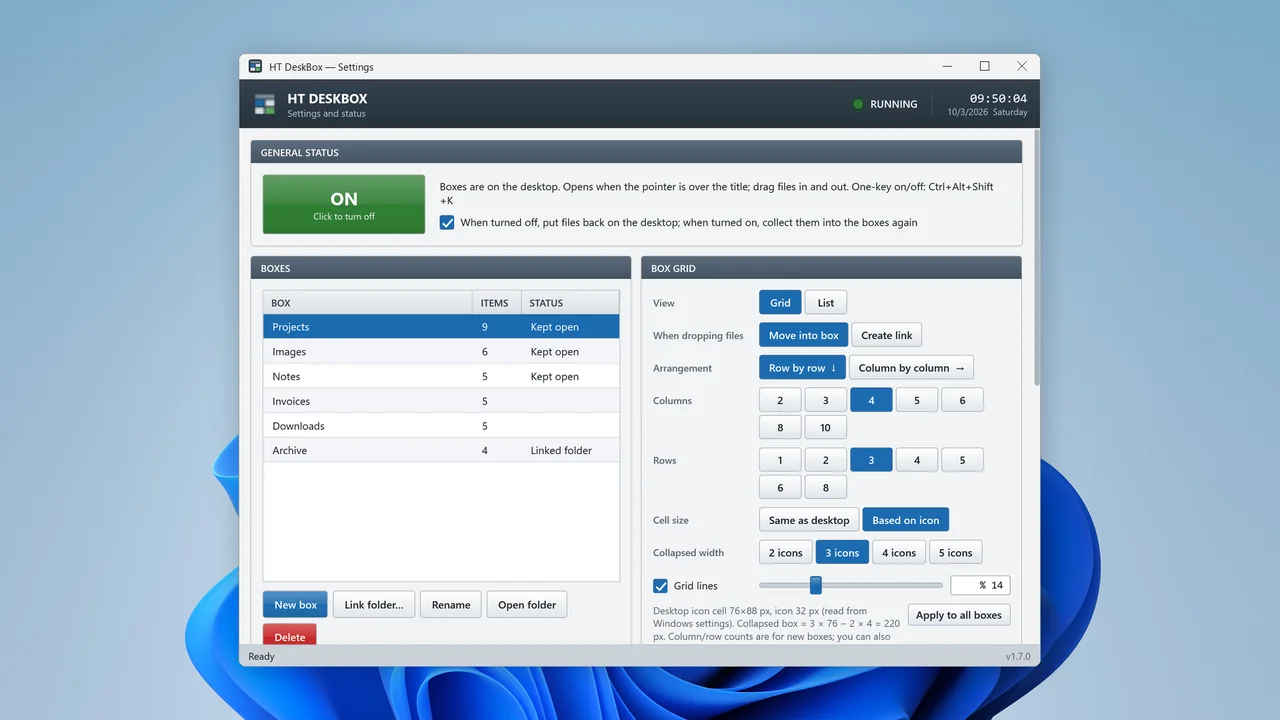
- Flexible grid inside each box: you choose the columns and rows.
- Files stay in the cell where you drop them; list view with drag-to-reorder if you prefer.
- Boxes snap to the desktop icon grid.
Folders
- Folder-linked boxes show an existing folder live on the desktop.
- Option to drop links (shortcuts) instead of moving files.
- Original Windows context menu on right-click.
Everyday use
- One-key on/off: turning off moves the files back to the desktop.
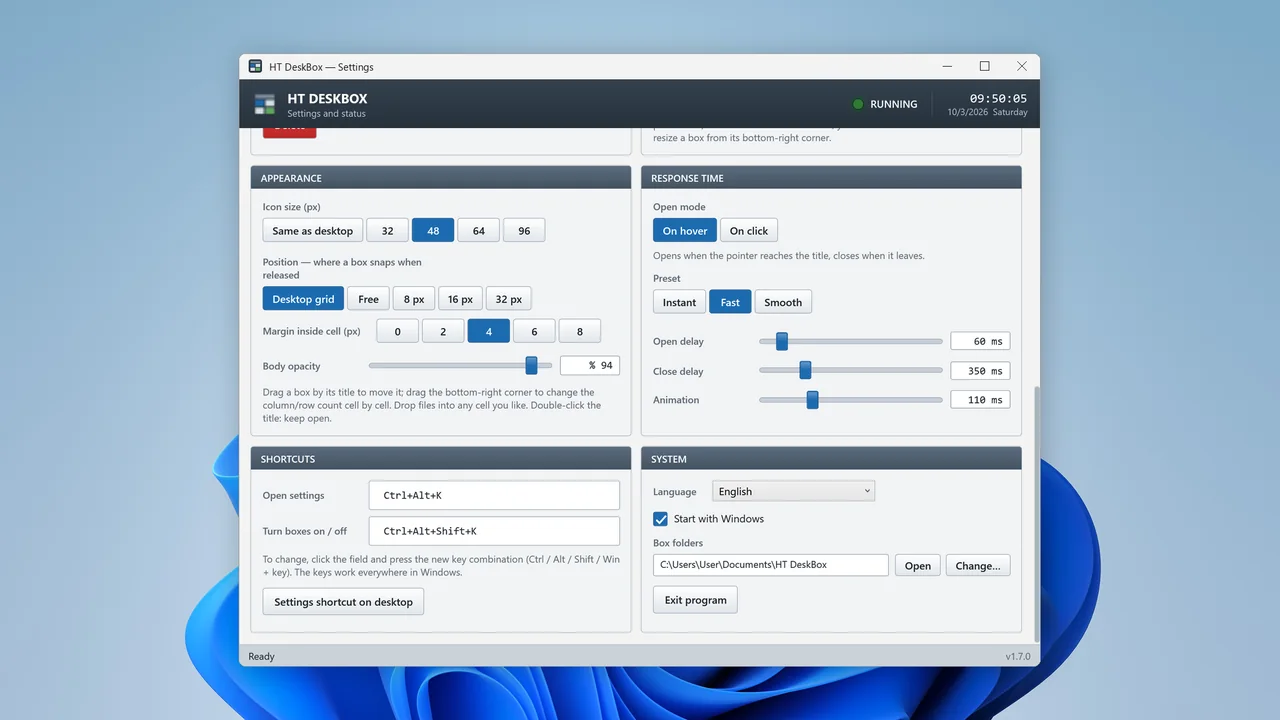
- Global hotkeys: Ctrl+Alt+K settings, Ctrl+Alt+Shift+K on/off.
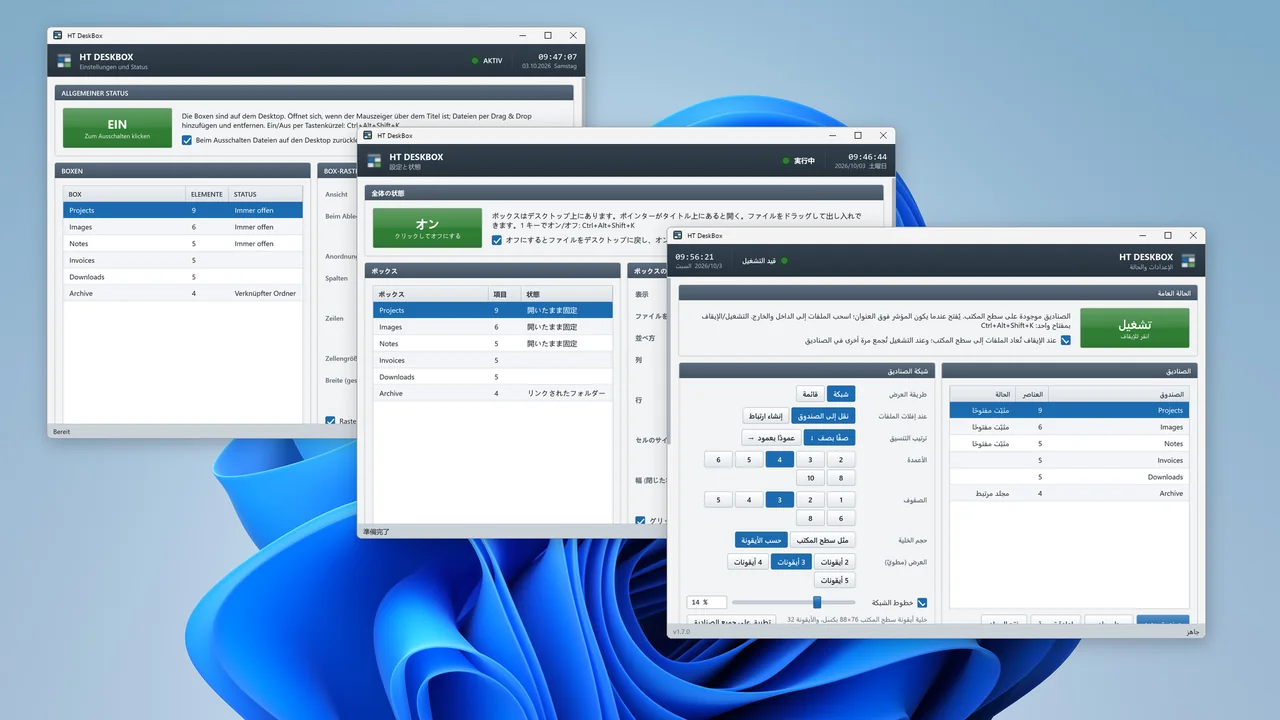
- 50 interface languages; works offline, collects no data.
A look at the app
Frequently asked questions
Where are my files kept?
The files you put in boxes stay in a real folder; nothing is copied or duplicated. The default location is the "HT DeskBox" folder in Documents; you can change it in the settings.
What happens if I turn the boxes off or uninstall the app?
When you turn the boxes off with one key, the files move back to the desktop. Uninstalling the app does not delete the files in your boxes; they remain in the box folder.
Can I show an existing folder on the desktop?
Yes. Folder-linked boxes show a folder on your PC or network live on the desktop; the files stay where they are.
Does it connect to the internet or collect data?
No. The app works fully offline and collects no personal data.
Which languages are available?
The interface is available in 50 languages, including right-to-left layouts for Arabic, Persian, Hebrew and Urdu.
Tidy up your desktop today
HT DeskBox is on Microsoft Store.